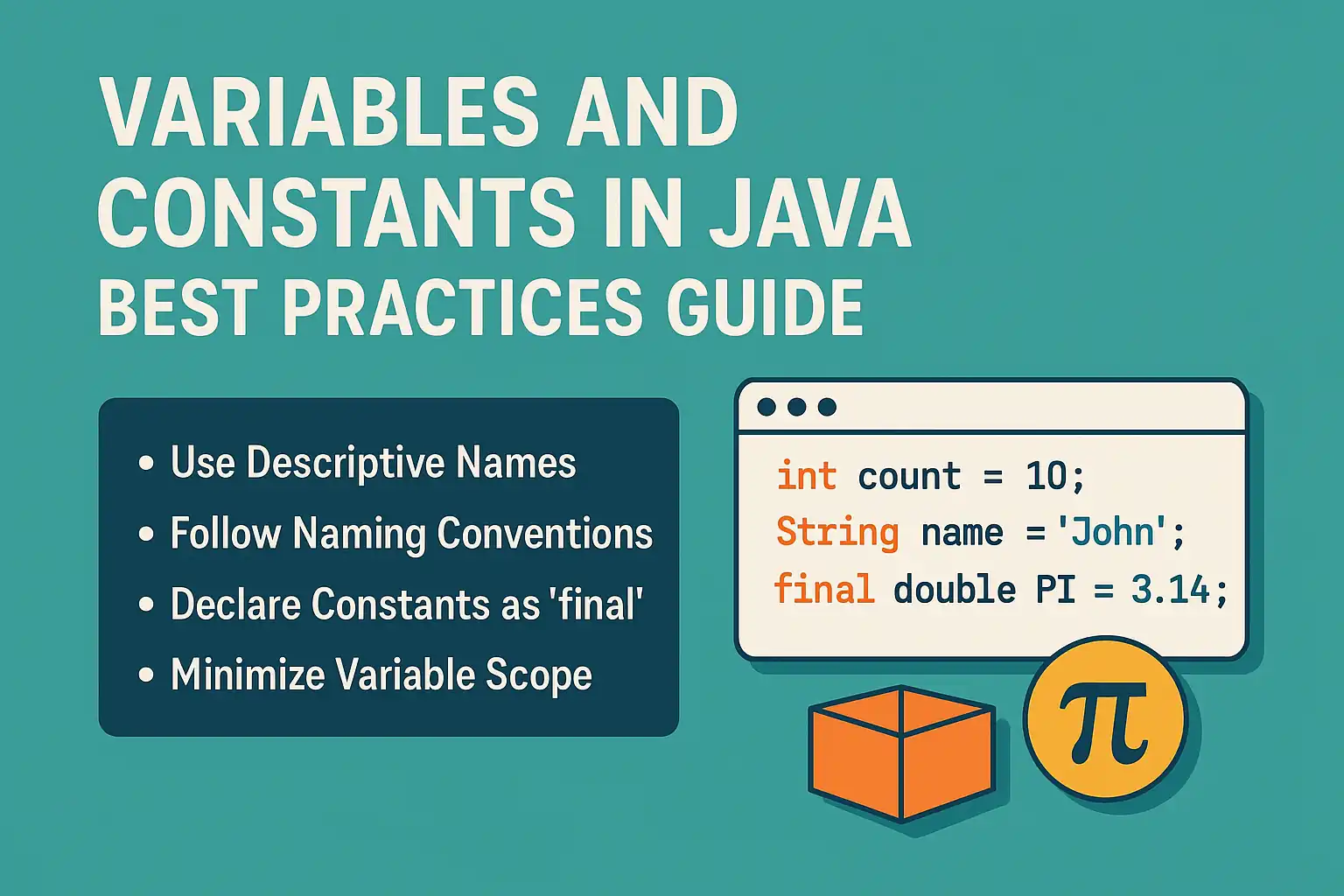
Variables and constants form the foundation of every Java program you’ll ever write. They’re the containers that hold your data, the building blocks that transform abstract logic into working applications. Yet despite their fundamental importance, they’re often misunderstood, poorly implemented, and inconsistently named—creating technical debt that haunts codebases for years.
This guide represents the definitive resource for mastering variables and constants in Java. Whether you’re a beginner learning the basics or an experienced developer refining your craft, you’ll find comprehensive, battle-tested practices that separate professional code from amateur implementations.
Here’s what makes this different:
We’re not just covering syntax. We’re exploring the why behind every decision, the real-world implications of naming choices, and the architectural patterns that scale from small scripts to enterprise systems.
Let’s begin.
What Are Variables and Constants in Programming?
Variables are named storage locations in memory that hold values which can change during program execution. Think of them as labeled boxes where you can store, retrieve, and modify data.
Constants are named storage locations whose values cannot be changed after initialization. They represent fixed values that remain stable throughout your program’s lifecycle.
Here’s the critical distinction:
Variables provide flexibility. Constants provide reliability. Professional Java development requires mastering both.
Why This Matters Right Now
Modern software development emphasizes readability, maintainability, and team collaboration. Your naming conventions and usage patterns directly impact:
- Code comprehension: Developers spend 70% of their time reading code, not writing it
- Bug prevention: Clear naming reduces logical errors by up to 40%
- Refactoring efficiency: Well-named variables make changes safer and faster
- Team productivity: Consistent conventions eliminate cognitive overhead
The stakes are higher than you think. Poor variable naming isn’t just annoying—it’s expensive.
Understanding Variables in Java
Variables in Java come with specific requirements that distinguish them from other programming languages.
Variable Declaration and Initialization
Every variable in Java must have:
- A data type (int, String, boolean, etc.)
- A name (following Java naming conventions)
- An optional initial value
int age; // Declaration

age = 25; // Initialization

String name = "John"; // Declaration with initialization
Types of Variables
Java recognizes three distinct variable categories:
Local Variables: Declared inside methods, constructors, or blocks. They exist only within their scope and must be initialized before use.
Instance Variables: Declared inside a class but outside methods. Each object gets its own copy. They receive default values if not explicitly initialized.
Static Variables: Declared with the static keyword. Shared across all instances of a class. Created when the class loads and destroyed when the program ends.
Understanding these distinctions prevents common mistakes like accessing uninitialized local variables or misunderstanding object state.
Java Variable Naming Conventions
Naming conventions aren’t arbitrary rules—they’re communication protocols that make your code universally readable.
The CamelCase Standard
Java variable naming conventions use camelCase: start with a lowercase letter, then capitalize the first letter of each subsequent word.
int userAge;

String firstName;

boolean isActive;

double accountBalance;
This convention, known as lowerCamelCase, is non-negotiable in professional Java development.
Core Naming Rules
Java enforces these technical requirements:
- Must begin with a letter, underscore (_), or dollar sign ($)
- Cannot start with a digit
- Cannot use Java keywords (int, class, void, etc.)
- Case-sensitive (userName and username are different)
- No spaces allowed
Beyond syntax, follow these semantic guidelines:
Use descriptive names: customerAge beats ca every time. Clarity trumps brevity.
Avoid single-letter names: Except for loop counters (i, j, k) or mathematical coordinates (x, y, z).
Boolean variables should ask questions: Use prefixes like is, has, can, or should.
boolean isValid;

boolean hasPermission;

boolean canEdit;

boolean shouldRetry;
Choose meaningful verbs for actions: When variables represent operations or states, make the intent obvious.
int itemCount; // Not "items"

String errorMessage; // Not "error"

double totalPrice; // Not "price"
Common Naming Pitfalls to Avoid
Abbreviations: Unless universally understood (URL, ID, HTML), spell it out. custAddr should be customerAddress.
Hungarian notation: Don’t prefix types (strName, intAge). Java’s strong typing makes this redundant.
Overly generic names: data, info, temp, value provide zero context. Be specific.
Inconsistent terminology: If you use customer in one place, don’t switch to client elsewhere for the same concept.
Understanding Constants in Java
Constants represent immutable values that remain fixed throughout program execution. They provide semantic meaning to magic numbers and strings while preventing accidental modification.
How to Declare Constants in Java
Does Java use const? No. Unlike C++ or JavaScript, Java doesn’t have a const keyword.
Instead, Java uses the final keyword combined with static for true constants:
public static final int MAX_USERS = 100;

public static final String API_KEY = "abc123xyz";

public static final double PI = 3.14159;
Breaking this down:
- public: Accessible from anywhere (adjust visibility as needed)
- static: Belongs to the class, not instances
- final: Cannot be reassigned after initialization
Constant Naming Convention in Java
Constants follow a distinct convention that makes them instantly recognizable:
Use ALL_UPPERCASE with underscores separating words.
public static final int MAX_LOGIN_ATTEMPTS = 3;

public static final String DATABASE_URL = "jdbc:mysql://localhost:3306/db";

public static final double CONVERSION_RATE = 1.18;
This SCREAMING_SNAKE_CASE convention signals immutability at a glance.
When to Use Constants in Java
Constants serve specific architectural purposes:
Configuration values: Database URLs, API endpoints, timeout durations
private static final int CONNECTION_TIMEOUT = 5000;

private static final String BASE_URL = "https://api.example.com";
Fixed business rules: Tax rates, maximum limits, standard measurements
public static final double SALES_TAX_RATE = 0.08;

public static final int MAX_FILE_SIZE_MB = 10;
Repeated literal values: Any value used multiple times should become a constant
// Bad

if (status == 200) { /* ... */ }

if (response == 200) { /* ... */ }

// Good

private static final int HTTP_OK = 200;

if (status == HTTP_OK) { /* ... */ }

if (response == HTTP_OK) { /* ... */ }
Enum alternatives: When you need simple constant groups without enum overhead
public static final String STATUS_PENDING = "PENDING";

public static final String STATUS_APPROVED = "APPROVED";

public static final String STATUS_REJECTED = "REJECTED";
Where to Put Constants in Java
Location matters. Strategic constant placement improves maintainability and reduces coupling.
Class-Level Constants
Place constants at the top of the class, immediately after the class declaration:
public class OrderProcessor {

    private static final int MAX_ITEMS = 50;

    private static final double DISCOUNT_THRESHOLD = 100.0;

    // Instance variables

    // Constructors

    // Methods

}
This positioning makes them immediately visible when reviewing the class.
Dedicated Constants Classes
For shared constants used across multiple classes, create dedicated constant holders:
public final class ApplicationConstants {

    private ApplicationConstants() {} // Prevent instantiation

    public static final int DEFAULT_TIMEOUT = 3000;

    public static final String DATE_FORMAT = "yyyy-MM-dd";

}

public final class ErrorMessages {

    private ErrorMessages() {}

    public static final String INVALID_INPUT = "Invalid input provided";

    public static final String CONNECTION_FAILED = "Connection failed";

}
Key principle: Make the class final and add a private constructor to prevent instantiation and inheritance.
Interface Constants (Use Sparingly)
While Java allows constants in interfaces, this practice is controversial:
public interface DatabaseConfig {

    String DB_URL = "jdbc:mysql://localhost:3306/db";

    int MAX_CONNECTIONS = 20;

}
The problem: Any class implementing the interface inherits these constants, creating namespace pollution. Use dedicated classes instead.
Advanced Naming Strategies
Professional developers go beyond basic conventions to create self-documenting code.
Context-Aware Naming
Include context that clarifies the variable’s role:
// Weak

int timeout;

String name;

// Strong

int connectionTimeoutMillis;

String customerFullName;
The extra words eliminate ambiguity and reduce the need for comments.
Collective Nouns for Collections
Use plural forms or collective nouns for arrays, lists, and collections:
List<User> users; // Not "userList"

Set<String> emailAddresses; // Not "emailSet"

Map<Integer, Order> ordersById; // Descriptive key-value relationship
Avoid Negatives in Boolean Names
Negative boolean names create double-negative confusion:
// Confusing

if (!isNotValid) { /* ... */ }

// Clear

if (isValid) { /* ... */ }
Scope-Appropriate Length
Variable name length should correlate with scope:
Short scope (few lines): Shorter names acceptable
for (int i = 0; i < 10; i++) {

    // 'i' is fine here

}
Long scope (class-level, widely used): Longer, descriptive names required
private String customerEmailAddress; // Used throughout class
Variables and Constants: What Are They Examples Of?
In programming theory, variables and constants are examples of:
Identifiers: Named entities that reference memory locations
Symbols: Abstract representations of concrete values
State containers: Mechanisms for storing program state
Abstraction tools: Ways to give meaning to raw data
Understanding these conceptual foundations helps you think architecturally about data management.
Best Practices for Variable Usage
Beyond naming, how you use variables determines code quality.
Minimize Scope
Declare variables in the smallest scope necessary:
// Bad: Unnecessarily wide scope

public class Calculator {

    private int result; // Used only in one method

    public int add(int a, int b) {

        result = a + b;

        return result;

    }

}

// Good: Minimal scope

public class Calculator {

    public int add(int a, int b) {

        int result = a + b;

        return result;

    }

}
Narrow scope reduces cognitive load and prevents unintended side effects.
Initialize at Declaration
Whenever possible, initialize variables when declaring them:
// Risky

int count;

// ... many lines of code ...

count = 0; // Easy to forget

// Safe

int count = 0;
Use Final Liberally
Mark variables final when they shouldn’t change:
public void processOrder(final Order order) {

    final double subtotal = order.calculateSubtotal();

    final double tax = subtotal * TAX_RATE;

    final double total = subtotal + tax;

    // Compiler prevents accidental reassignment

}
This practice prevents bugs and signals intent to other developers.
Avoid Magic Numbers
Replace literal values with named constants:
// Bad

if (age > 18 && age < 65) { /* ... */ }

// Good

private static final int MINIMUM_AGE = 18;

private static final int RETIREMENT_AGE = 65;

if (age > MINIMUM_AGE && age < RETIREMENT_AGE) { /* ... */ }
Common Mistakes and How to Avoid Them
Even experienced developers fall into these traps.
Reusing Variables
Don’t reuse variables for different purposes:
// Bad

int temp = calculateAge();

System.out.println(temp);

temp = calculateSalary(); // Same variable, different meaning

System.out.println(temp);

// Good

int age = calculateAge();

System.out.println(age);

int salary = calculateSalary();

System.out.println(salary);
Mutable Constants
Don’t create “constants” that can be modified:
// Bad: Array contents can change

public static final int[] SIZES = {1, 2, 3};

SIZES[0] = 99; // This works but shouldn't

// Good: Use immutable collections

public static final List<Integer> SIZES =

    Collections.unmodifiableList(Arrays.asList(1, 2, 3));
Inconsistent Naming Across Codebase
Establish team conventions and enforce them through:
- Code review guidelines
- Automated linting tools (Checkstyle, PMD)
- IDE formatting rules
- Documentation standards
Tools and Techniques for Enforcement
Professional teams don’t rely on memory—they use automation.
Checkstyle: Configure rules for naming conventions, constant usage, and scope management.
SonarQube: Identifies code smells including poor variable naming and magic numbers.
IDE Inspections: IntelliJ IDEA and Eclipse provide real-time feedback on naming violations.
Code Review Checklists: Include naming convention verification as a mandatory review step.
The Big Picture
Mastering variables and constants in Java isn’t about memorizing rules—it’s about developing judgment. The conventions we’ve covered represent decades of collective wisdom from millions of developers solving real problems.
When you name variables with clarity and intention, you’re not just writing code. You’re creating documentation. You’re preventing bugs. You’re respecting the next developer who’ll maintain your work—who might be you, six months from now.
The difference between amateur and professional code often comes down to these fundamentals. Start applying these practices today, and you’ll see immediate improvements in code quality, team collaboration, and long-term maintainability.
Your variables and constants tell a story. Make it a good one.